Internal linking is one of the hidden SEO gems that can quietly skyrocket your rankings if used the right way. Many websites overlook the importance of linking their own pages and instead concentrate solely on backlinks. What connects your material and aids in search engine and user comprehension is internal linking. Even the best-written pages could remain hidden in the absence of a robust internal linking guide. We’ll look at internal linking tactics in this blog post that can improve your SEO results.
This is not just another theory-based blog. You will learn actionable strategies that you can apply right away. From planning your site structure to fixing common errors, we will cover everything. You will also discover how Mugenz is innovating with smart internal linking for industries like healthcare, NGOs, and real estate. Keep reading to uncover tips that can boost visibility, authority, and rankings for your site.
What Are Internal Links?
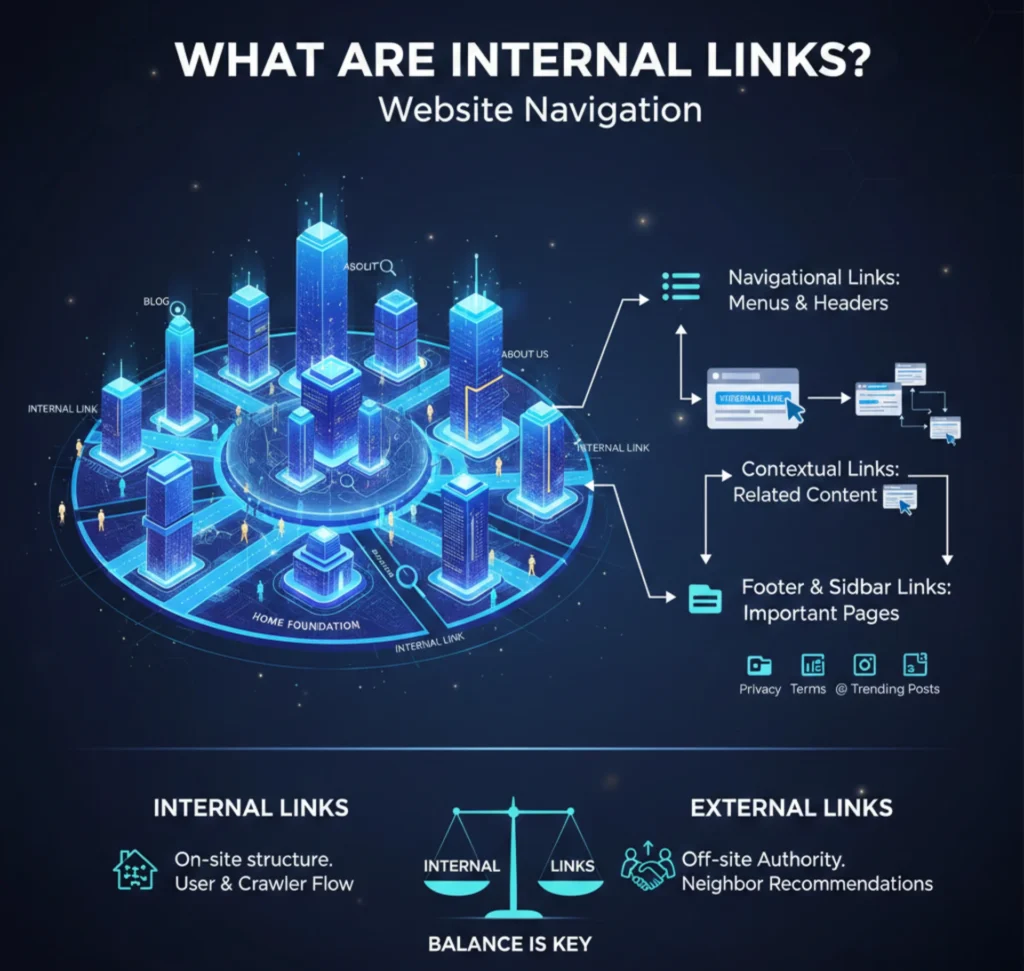
Internal links are just hyperlinks that link between pages on your website. They help visitors move across your website smoothly and allow search engines to discover new content. Internal linking is different from backlinks because the links stay within your own domain. A good internal linking guide ensures that your most important content does not get buried. Instead, it remains accessible to both users and crawlers.
Think of your website as a city map. Roads connect places so people can travel quickly. Internal links act like these roads by connecting your content. Without proper links, pages may remain hidden, similar to isolated areas on a map. This is why every website owner needs to understand how to use internal links effectively.
Types of Internal Links
There are different types of internal links you can use for better SEO. Navigational links guide users through menus and headers. Contextual links appear within the content and connect related pages. Footer links usually point to important resources like contact or policy pages. Lastly, sidebar links draw attention to posts that are trending or pertinent.
Each type of link has its own role in a strong internal linking strategy. Navigational links create structure and hierarchy. Link equity is distributed among similar topics through contextual links. Footer and sidebar links give users quick access to essential pages. A balance of all types helps both users and search engines.
Internal Links vs. External Links
Internal links facilitate the linking of different pages on your website. On the other hand, visitors can access content on other websites through external connections. SEO depends on both kinds of links. External links boost authority and trust, while internal connections create the structure of your website. A comprehensive connection strategy makes intelligent use of both.
Think of internal links as your home foundation. External links, on the other hand, are like recommendations from neighbors. Search engines look at both to understand your content’s quality. If you have strong internal links but no external trust signals, rankings can still suffer. So, balance is key for sustainable growth.
Why Internal Links Are Important for SEO
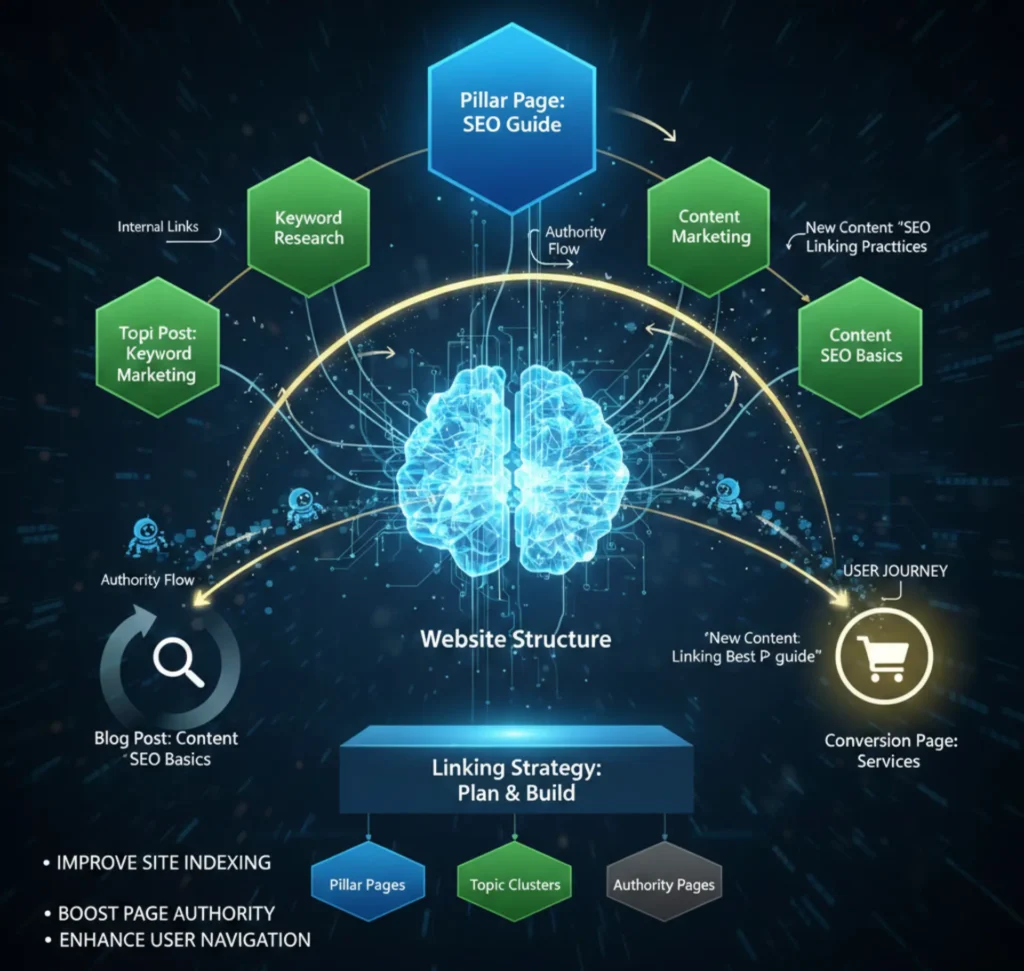
Because they make it possible for Google to efficiently index your website, internal links are crucial. They guide search engine bots from one page to another. With a clear linking structure, bots understand which content is most important. This makes it easier for your pages to appear in search results. In short, internal links improve site indexing.
Another major benefit is that internal links keep visitors on your site longer. By suggesting related content, you reduce bounce rates. This improves user experience, which is also a ranking signal. Internal links also guide readers toward conversion-focused pages like services or products. Done correctly, they are both user-friendly and revenue-friendly.
1. Help Search Engines Understand Site Structure
Search engines love websites with clear structures. Internal links show crawlers which pages are connected and how they relate. Search engines may more easily rank your website correctly thanks to this hierarchy. For example, linking smaller blog posts to pillar content tells Google which page is the most authoritative. Without this, your site becomes confusing for crawlers.
Think of it as an organization chart. At the top are pillar pages, and below them are supporting posts. Internal links act as connections between these levels. When Google sees this, it rewards your site with better visibility. That is why a proper structure is the base of any internal linking strategy.
2. Pass Authority and Link Value
Internal links make it easier to share authority and strength across your website. Links to other pages can transfer value if one page is performing well. This boosts the receiving page’s chance of ranking higher. It is an effective way to support underperforming content. Authority flow is a powerful yet often overlooked benefit.
Imagine having one strong page that brings high traffic. By linking it to related but weaker pages, you share its strength. This gives new or low-ranking pages a better chance of visibility. Over time, authority distribution balances your website. This makes your overall SEO performance stronger.
3. Help Users Navigate Between Relevant Pages
Good internal linking makes navigation effortless. When visitors read one article, they often want related information. Internal links guide them to other helpful resources. This improves user experience and increases time spent on your site. More engagement signals quality to search engines.
For example, a blog about “content marketing” can link to “SEO basics.” This keeps the visitor learning while staying within your site. The more pages they visit, the higher the chances of conversion. That is why linking is not just about SEO but also about user satisfaction.
How to Build Your Internal Linking Strategy
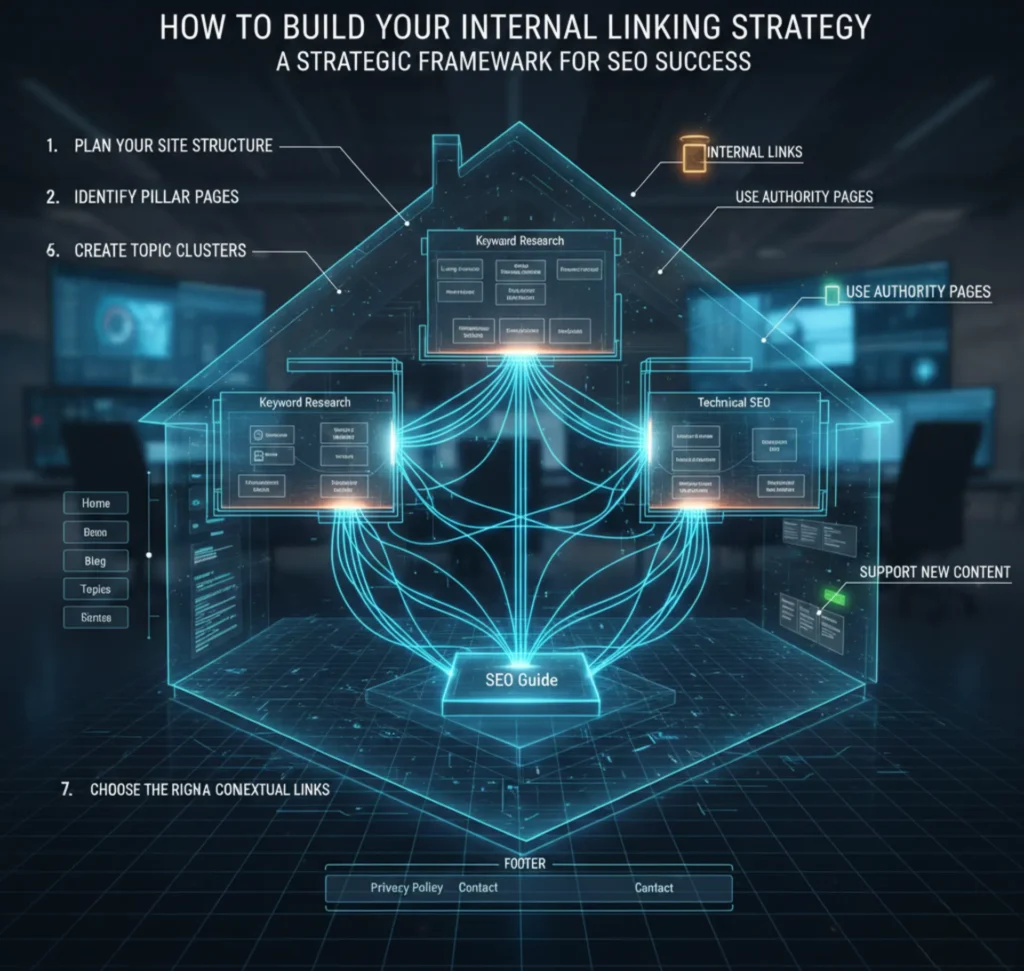
A strong internal linking guide requires careful planning. You cannot simply place links randomly. Instead, you must design your site structure and choose which pages deserve authority. Topic clusters, authority pages, and pillar pages should all be a part of your strategy. These elements create a balanced and effective linking system.
Think of this like building a house. You require walls (clusters), routes (links), and a foundation (pillar pages). Without planning, the house collapses. Similarly, without a strategy, internal links will not deliver SEO results. That is why every step matters.
1. Plan Your Site Structure
Your website’s structure is the cornerstone of your SEO strategy. A well-defined structure is advantageous to both crawlers and customers. Each page should fit into a logical hierarchy. Pages that are too deep or disconnected confuse visitors. A planned structure keeps everything organized.
The best way is to start with broad topics. Divide them into smaller subjects and make logical connections between them. Make certain that every post links back to a pillar page. This makes your site easier to navigate. A clean structure also prevents orphaned pages.
2. Identify Pillar Pages
The most crucial pages on your website are called pillar pages. They link to more specialized supporting pages and span a wide range of subjects. For example, “SEO Guide” could be a pillar page linking to subtopics like “Keyword Research” or “On-Page SEO.” This gives your content depth and authority.
A pillar page usually has high word count and comprehensive coverage. Supporting posts strengthen it with detailed insights. Internal links tie everything together. Search engines are alerted by this approach that the pillar page merits a higher position. Every strong internal linking strategy starts here.
3. Create Topic Clusters
Topic clusters organize your content into related groups. Each cluster has one pillar page with multiple supporting articles. This creates a hub-and-spoke model. Internal links connect everything, showing both users and Google the relationship between pages. Topic clusters are an advanced SEO technique with proven results.
Clusters make it easier for users to explore deeper. Someone reading about “On-Page SEO” can quickly find “Internal Linking Best Practices.” This increases page views and user satisfaction. It also helps search engines recognize your expertise in a topic. Clustering is a must for modern SEO.
4. Use Authority Pages to Pass Link Equity
Authority pages already rank high or get traffic. Linking from these to weaker pages passes link equity. This helps improve overall site rankings. Authority pages act as boosters for your SEO strategy. They ensure link value flows evenly across your site.
For example, if your “Blog SEO Guide” ranks well, link it to “Image SEO Tips.” This way, the weaker page benefits from the stronger one’s authority. The more you use authority pages, the stronger your internal linking strategy becomes. It’s about sharing value smartly.
5. Support New Content
Internal links are especially powerful for new content. Fresh pages often struggle to get indexed. By linking to them from established pages, you help search engines discover them faster. This improves indexing speed and visibility. Internal linking is like giving new content a head start.
New blog posts should always link back to related pillar pages. At the same time, older posts should link forward to the new ones. This two-way linking strengthens your entire site. Maintaining your website’s competitiveness and freshness requires supporting new material.
6. Choose the Right Anchor Text
The text that can be clicked on a hyperlink is known as the anchor text. For SEO, choosing the right phrases is crucial. Generic text like “click here” wastes opportunities. Instead, use descriptive keywords that show what the linked page is about. This improves both relevance and rankings.
For example, instead of “learn more,” use “SEO internal linking guide.” This makes it clear to both users and search engines. Overuse of exact-match keywords should be avoided.It is most effective to use a combination of partial, branded, and natural anchor text. Smart anchor text builds trust and authority.
7. Add Navigational and Contextual Links
Navigational links appear in menus, footers, and sidebars. Contextual links are within the content itself. Both are vital for SEO. Navigational links give structure, while contextual links provide depth. Together, they create a smooth user journey.
Contextual links are powerful because they connect ideas. Navigational links ensure no page gets lost. Without both, your website feels incomplete. A good internal linking strategy balances these types. This way, users always know where to go next.
Auditing Your Current Internal Links
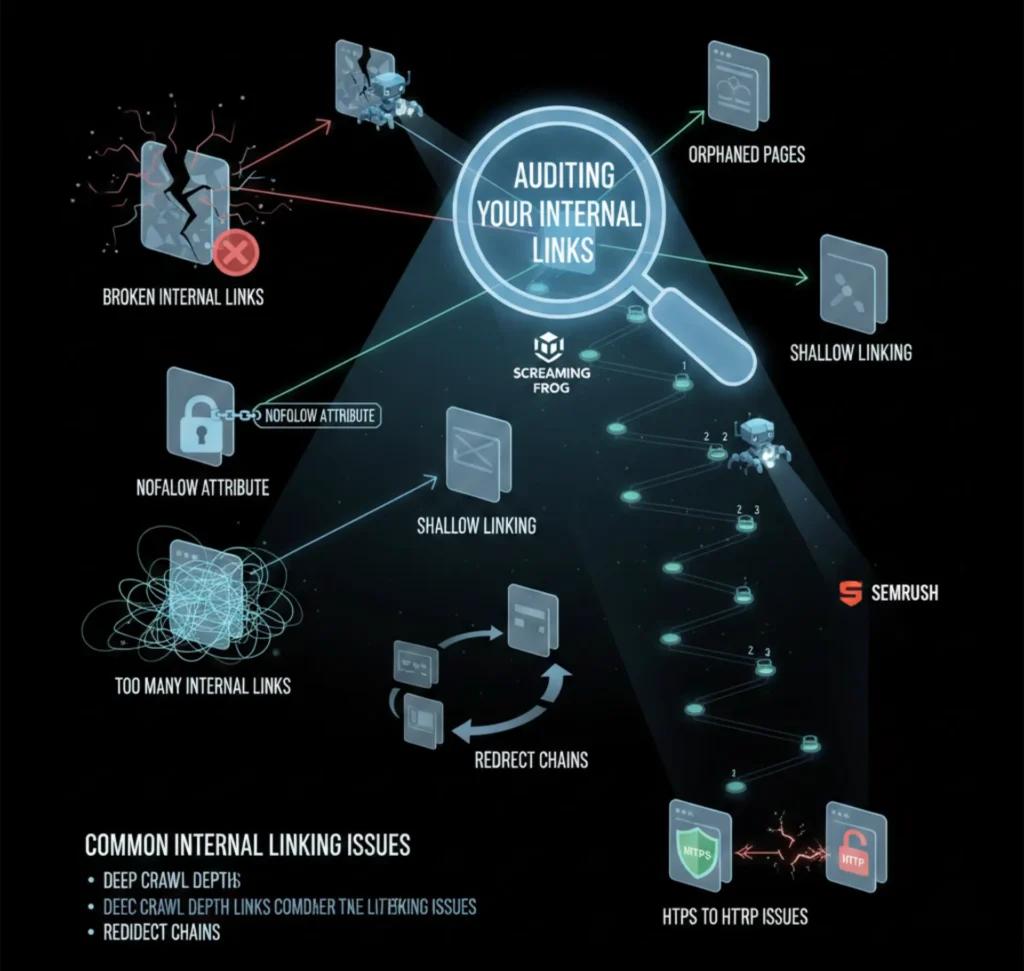
Auditing ensures your internal linking is healthy. Broken links, redirects, and orphaned pages harm SEO. A regular audit identifies such problems. It also highlights opportunities to add new links. An internal linking guide without audits is incomplete.
Audits can be done using tools like Screaming Frog, Ahrefs, or Semrush. These tools crawl your site and report linking issues. Fixing problems ensures smoother navigation. It also improves crawlability for search engines. Regular audits maintain site health.
Common Internal Linking Issues
- Broken internal links: Those that lead to pages that are not there.
- Too Many Internal Links: Overloading pages with links confuses both users and crawlers.
- Nofollow Attributes: Using nofollow internally blocks link equity flow.
- Orphaned Pages: Pages not linked from anywhere on your site.
- Shallow Linking: Pages only having one incoming link.
- Deep Crawl Depth: Pages buried more than three clicks away.
- Redirect Chains: Links going through multiple redirects.
- HTTPS to HTTP Issues: Linking from secure to non-secure versions.
Best Practices for Internal Linking
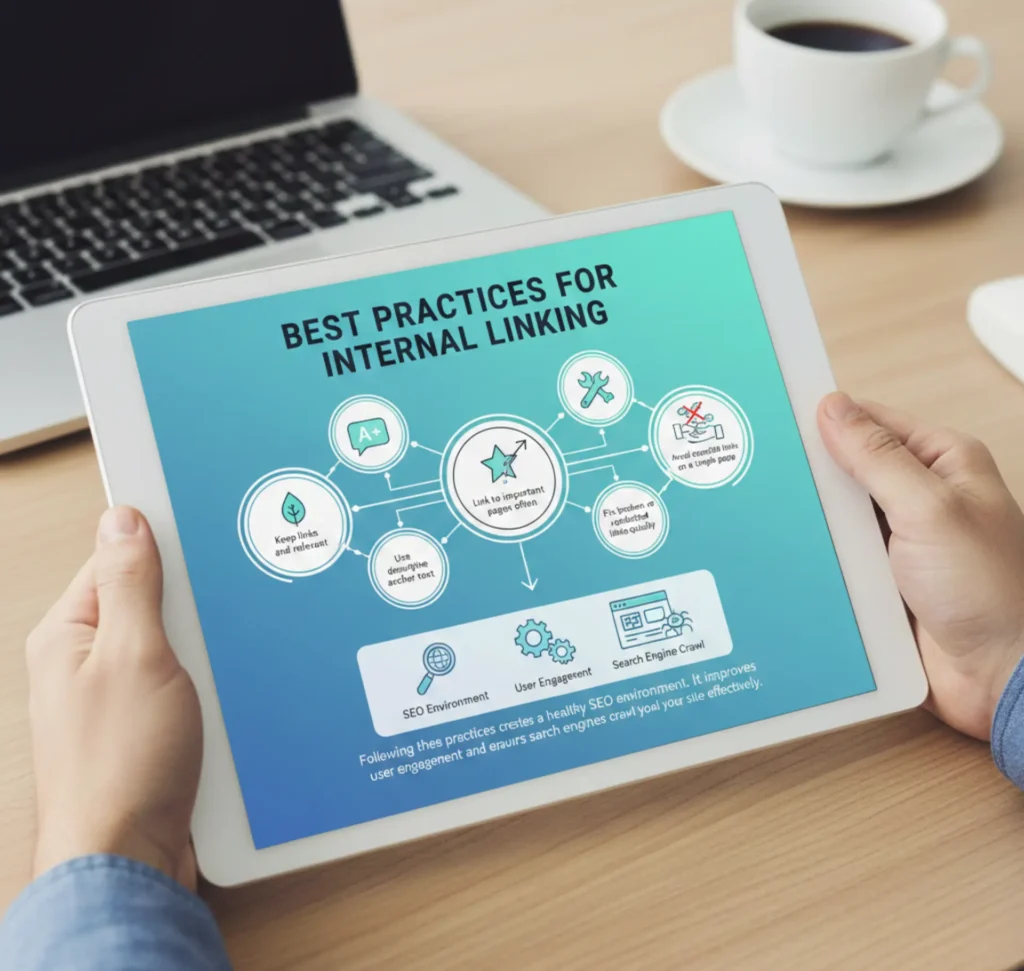
Here are some best practices every site owner should follow:
- Keep links natural and relevant.
- Use descriptive anchor text.
- Link to important pages often.
- Fix broken or redirected links quickly.
- Avoid overstuffing links on a single page.
Following these practices creates a healthy SEO environment. It improves user engagement and ensures search engines crawl your site effectively.
Tools to Improve Internal Linking
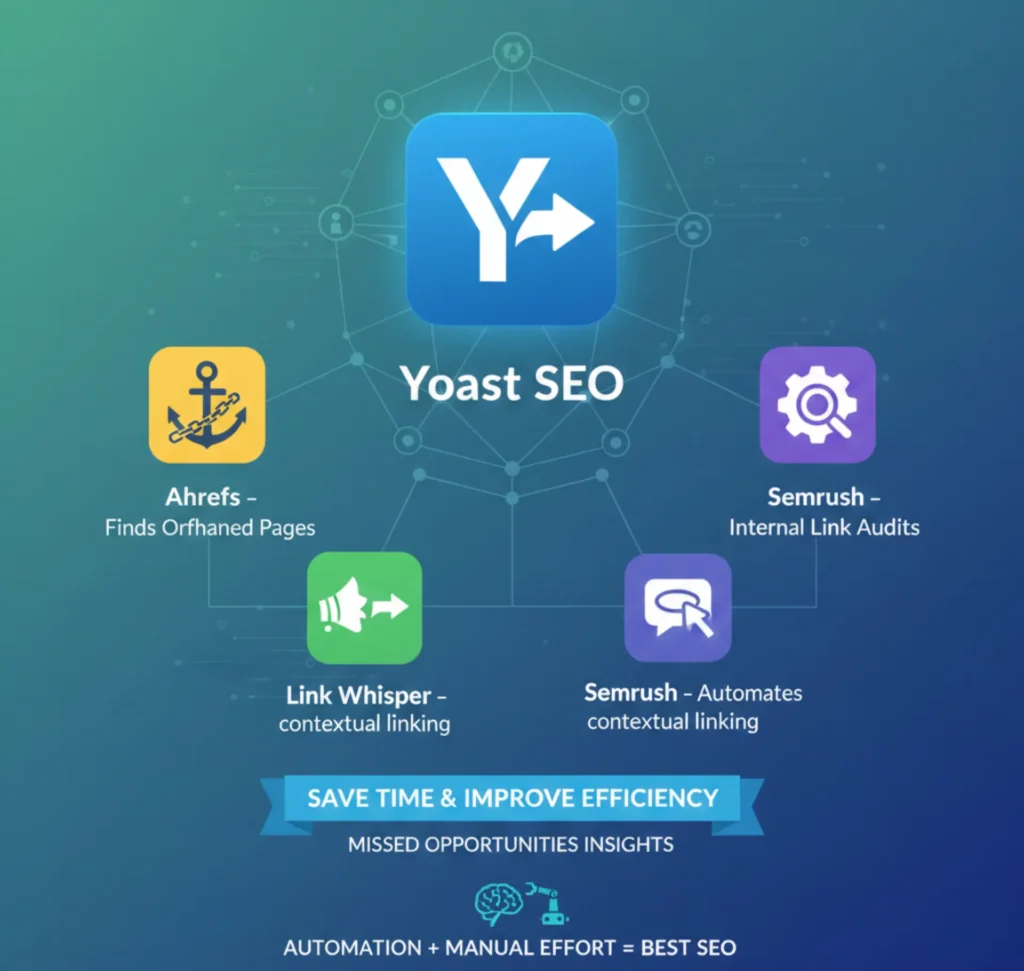
- Yoast SEO – Suggests internal links in WordPress.
- Link Whisper – Automates contextual linking.
- Semrush – Helps with internal link audits.
- Ahrefs – Finds orphaned and weakly linked pages.
These tools save time and improve efficiency. They also provide insights into missed opportunities. A mix of automation and manual effort works best for SEO.
Internal Linking Checklist (Quick Table)
| Step | Action | Benefit |
| 1 | Plan site structure | Clear hierarchy |
| 2 | Identify pillar pages | Authority signals |
| 3 | Create topic clusters | Content depth |
| 4 | Use authority pages | Pass link equity |
| 5 | Support new content | Faster indexing |
| 6 | Optimize anchor text | Better rankings |
| 7 | Add navigational and contextual links | Balanced linking |
| 8 | Run regular audits | Fix errors quickly |
Mugenz’s Innovative Approach
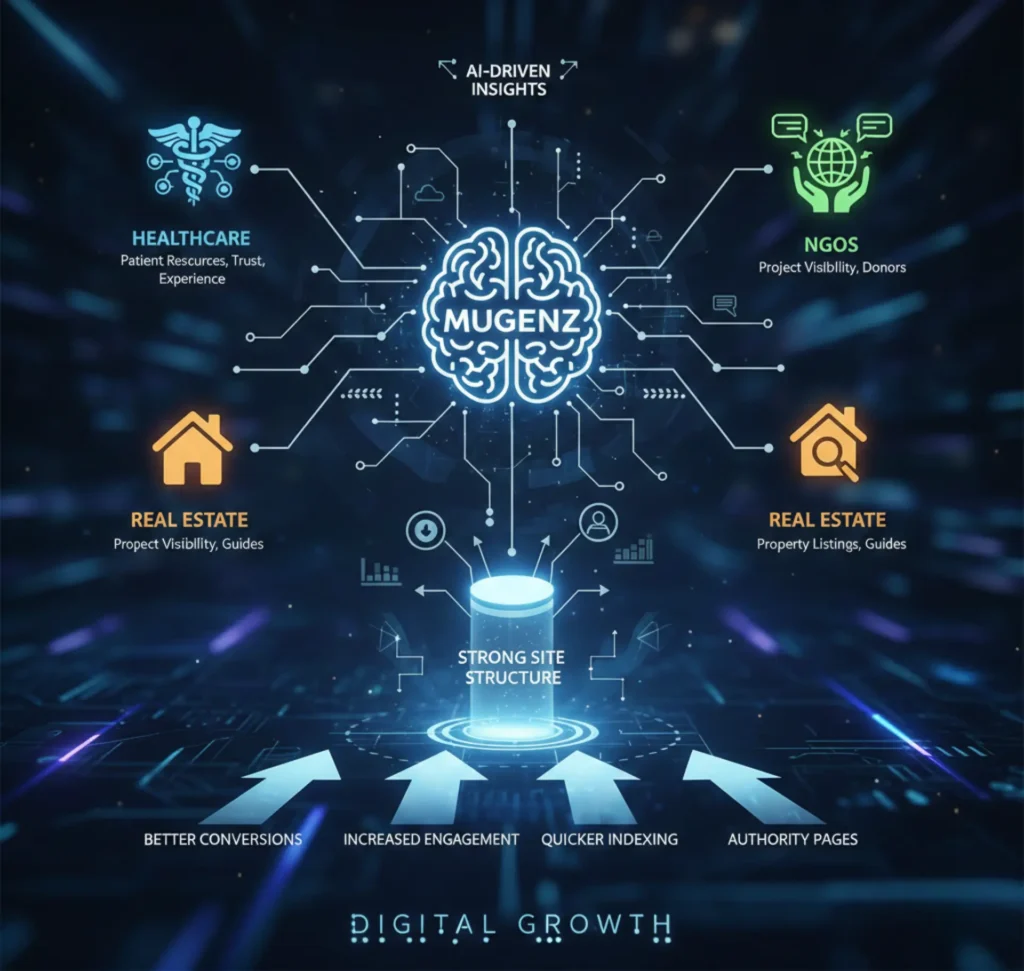
Mugenz is using technology to improve SEO and content performance across industries. In healthcare, smart internal linking connects patients to reliable resources quickly. This improves trust and patient experience. In NGOs, Mugenz applies linking strategies to highlight important projects and attract donors. Real estate websites benefit by connecting property listings with guides and service pages.
By combining internal linking strategies with AI-driven insights, Mugenz creates strong site structures. This ensures every page gets visibility. Their approach reduces orphaned content and strengthens authority pages. Better conversions, increased engagement, and quicker indexing are all observed by organizations. Mugenz proves that internal linking is not just for SEO but also for digital growth.
Take Your SEO to the Next Level with Mugenz
Ready to optimize your website with powerful internal linking strategies? Don’t let hidden pages or weak site structures hold back your rankings. With Mugenz’s innovative technology, you can streamline your SEO, improve user experience, and unlock new growth opportunities.
Contact Mugenz today and discover how their cutting-edge solutions are transforming digital presence for businesses in healthcare, NGOs, and real estate. Let’s build a smarter site structure that drives traffic, authority, and conversions.
Conclusion
Internal linking is the backbone of every strong SEO strategy. It improves site structure, user experience, and search engine rankings. From planning pillar pages to fixing broken links, every step matters. You may make sure that your material is important and visible by adhering to this internal linking guide.
Mugenz is leading the way in applying these strategies across industries. Their innovative approach helps healthcare providers, NGOs, and real estate firms connect audiences with important content. Strong internal linking is not just SEO it is a growth driver.
FAQs:
Q1: What’s the difference between internal and external links?
Internal links guide users to other pages on your own website, helping them explore related content. External links take visitors outside your site to trusted sources or references.
Q2: How many internal links should a page have for best SEO results?
There is no perfect number for internal links on a page. The key is to add links naturally and only where they truly add value for readers.
Q3: Is using keyword-rich anchor text good for SEO?
Yes, keyword-rich anchor text can improve SEO when used correctly. The best approach is to keep it natural by mixing exact-match, branded, and partial keywords.
Q4: How often should I review and audit my internal links?
You should audit your internal links every 3 to 6 months. It’s also a good idea to review them after publishing new content or making major site updates.
Q5: Can internal links help new pages rank faster on Google?
Absolutely. Linking new content from high-authority pages helps search engines find it faster and improves its chances of ranking sooner.