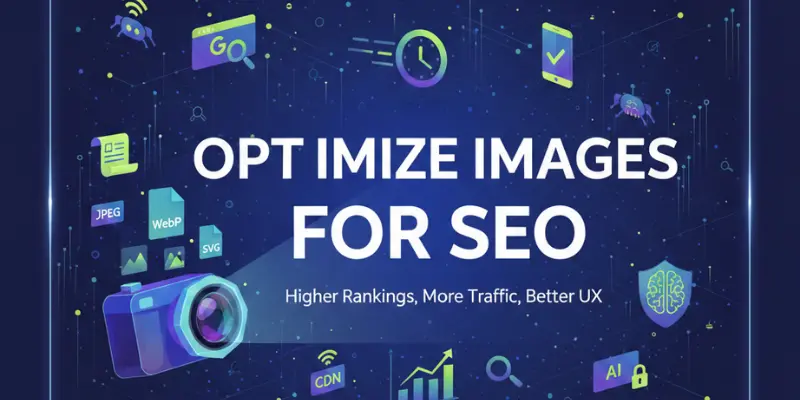
Images speak before words on the internet. A slow image can stop a visitor instantly. Search engines notice this behavior very quickly. If visuals are not optimized, rankings suffer silently. This guide explains how to optimize images for SEO step by step.
Images are not just decorations anymore. They directly affect traffic, engagement, and conversions. Proper image SEO improves page speed and visibility. It also helps content rank in Google Image Search. When done right, images become traffic magnets.
Why Image SEO Matters
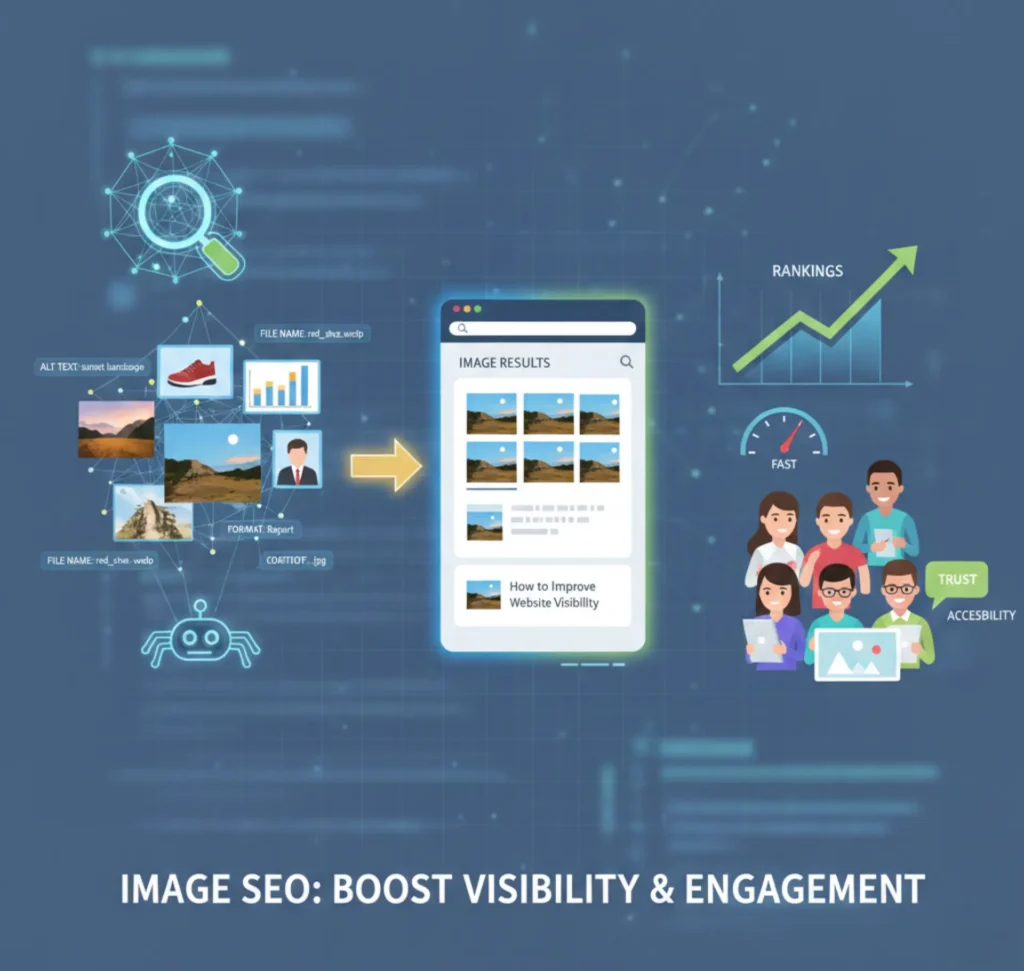
Image SEO helps search engines understand what your visuals represent. When you optimize images for SEO, crawlers can read context better. Alt text, file names, and formats send strong relevance signals. This improves visibility in both web and image search results. Better understanding leads to better rankings.
Users also benefit from optimized images. Fast-loading visuals keep visitors engaged. Clear images improve trust and readability. Accessibility improves for screen readers. All these factors support long-term SEO success.
Preparing Images for SEO
Image optimization starts before uploading. Raw images from cameras are often too large. Unprepared files slow down websites badly. Search engines penalize slow pages. Preparing images helps you optimize images for SEO correctly.
Start by choosing only relevant visuals. Resize images according to layout size. Avoid unnecessary background details. Keep image quality balanced. This preparation improves speed without losing clarity.
Image Preparation Checklist
- Use clean and relevant images
- Resize images before upload
- Avoid heavy raw files
- Maintain visual clarity
On-Page Image Optimization
On-page image optimization tells search engines what an image means. Alt text explains the image content clearly. Titles and captions add context for users. Structured data enhances visibility in rich results. These steps help optimize images for SEO naturally.
Good alt text improves accessibility and rankings. Captions increase engagement time. Structured data improves image relevance. Together, they strengthen on-page SEO. Small details create big impact.
Key on-page image optimization actions
- Write descriptive and keyword-relevant alt text
- Use image titles to support user understanding
- Add captions where images need explanation
- Implement image structured data (schema markup)
- Place images near relevant text content
Technical Image SEO
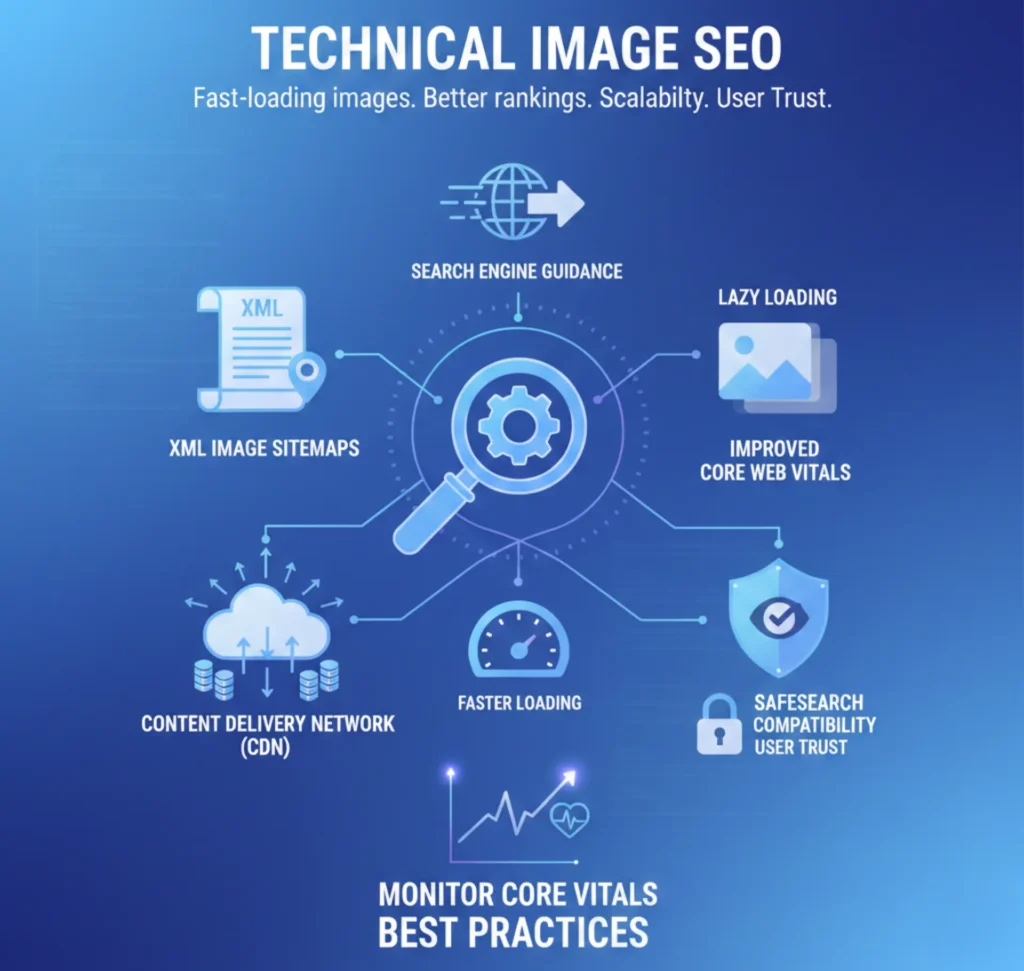
Technical image SEO controls how images load and display. Image sitemaps guide search engines faster. CDNs deliver images from nearby servers. SafeSearch compatibility prevents visibility issues. These steps improve technical performance.
Fast-loading images improve Core Web Vitals. Better metrics improve rankings. Technical SEO supports scalability. It also reduces server stress. Reliable delivery builds user trust.
Technical image SEO best practices
- Create and submit XML image sitemaps
- Use a content delivery network (CDN)
- Enable lazy loading for images
- Ensure SafeSearch compatibility
- Monitor image-related Core Web Vitals
Optimizing Image Landing Pages
Every image should support its landing page. Page titles must reflect visual content. Meta descriptions improve click-through rates. Schema markup provides structured meaning. These steps help optimize images for SEO beyond visuals.
Optimized pages convert better. Users understand content faster. Search engines detect relevance easily. This improves visibility and engagement. Strong landing pages drive results.
Landing page optimization tips
- Match image content with page intent
- Write keyword-rich titles and meta descriptions
- Add relevant schema markup
- Improve page load speed
- Ensure mobile-friendly image display
Mugenz’s Innovation Approach to Image SEO
Mugenz uses technology to simplify image SEO. AI tools automate optimization at scale. Smart compression protects image quality. Metadata is generated accurately. This makes it easier to optimize images for SEO efficiently.
Mugenz designs solutions for real industries. Each sector has unique visual needs. Custom strategies improve performance and compliance. Innovation focuses on real-world impact. Technology meets practical growth.
How Mugenz delivers innovation
- AI-driven image optimization workflows
- Automated alt text and metadata generation
- Intelligent image compression systems
- Industry-specific SEO strategies
- Scalable solutions for high-volume image sites
Industry-Specific Applications
Healthcare
- Optimized medical image metadata
- Faster and secure image delivery
- AI-supported diagnostic visuals
NGOs
- Lightweight images for low-bandwidth regions
- Strong visual storytelling
- Accessibility-focused optimization
Real Estate
- High-quality property images
- Fast-loading galleries
- Virtual tour and AR optimization
Image SEO vs Traditional SEO
| Feature | Traditional SEO | Image SEO |
| Main Focus | Text content | Visual optimization |
| Ranking Signals | Keywords, backlinks | Alt text, speed, format |
| User Experience | Readability | Speed and clarity |
| Tools Used | Content tools | CDN, sitemaps, compression |
| Best For | Blogs, services | Healthcare, NGOs, real estate |
Image SEO complements traditional SEO. One cannot replace the other. Visual optimization strengthens content strategy. Together they improve rankings. Balance delivers the best results.
Image File Naming Best Practices
Search engines read image file names before anything else. Random names like IMG_001.jpg provide no value. Search engines can better comprehend context when file names are descriptive. This improves image relevance and discoverability. File naming is a basic step to optimize images for SEO.
Use keywords naturally in file names. Avoid keyword stuffing. Keep names readable and short. Use hyphens instead of underscores.
Best practices
- Use lowercase letters
- Separate words with hyphens
- Describe the image clearly
- Include primary keywords naturally
Choosing the Right Image Format for SEO
Image format affects speed and quality. Search engines prefer fast-loading pages. WebP offers strong compression with good clarity. JPEG works well for photos. PNG is best for transparent images.
Choosing the right format helps optimize images for SEO. It improves page speed. It also reduces bandwidth usage. Quality remains intact. This improves user experience.
Format comparison
- WebP: Best balance of quality and speed
- JPEG: Ideal for photographs
- PNG: Good for logos and transparency
- SVG: Perfect for icons and vectors
Image Compression Without Quality Loss
Large image files slow down websites. Page speed is a ranking factor. Compression reduces file size. Smart compression keeps images sharp. This is essential to optimize images for SEO.
Lossless compression works best for quality-sensitive visuals. Tools automate compression easily. Always preview images after compression. Never sacrifice clarity. Balance is key.
Compression tips
- Use lossless compression tools
- Compress before uploading
- Avoid repeated compression
- Test loading speed after optimization
Responsive Images and Mobile SEO
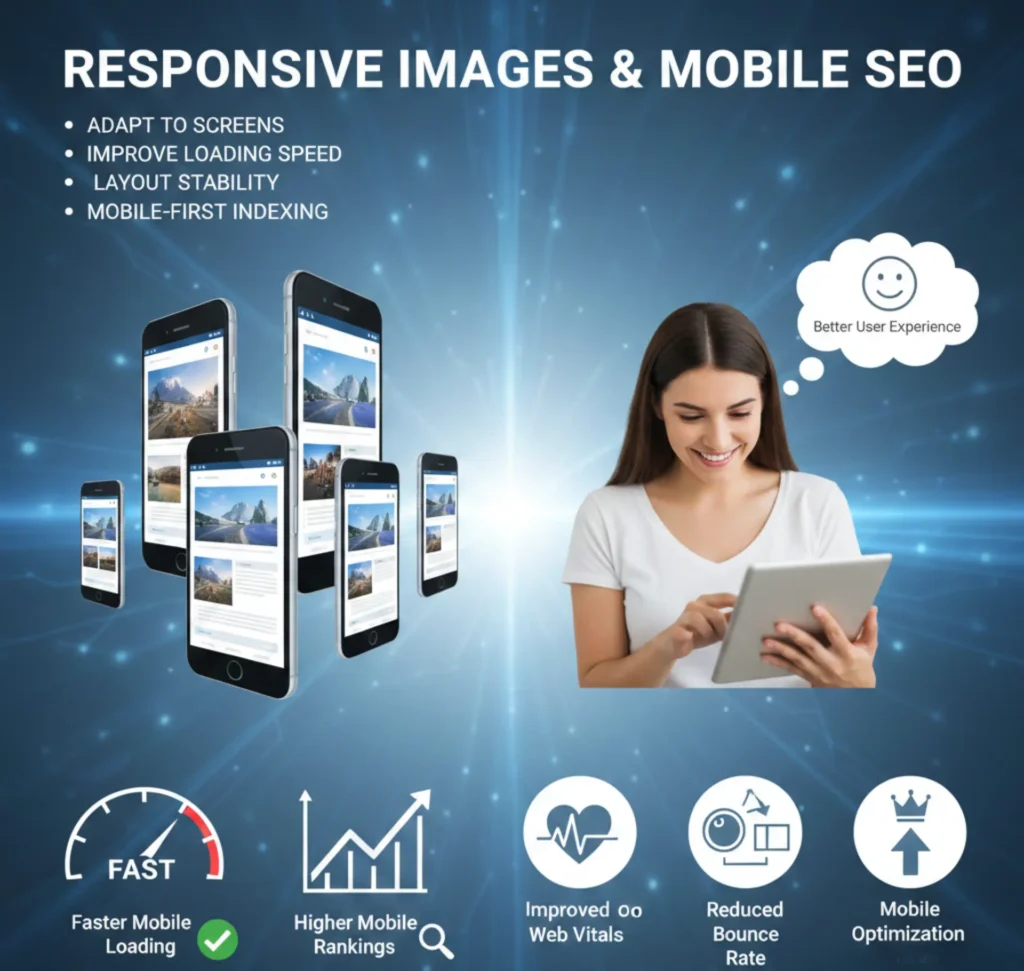
Most users browse on mobile devices. Images must adapt to different screens. Responsive images improve loading speed. They also improve layout stability. This helps optimize images for SEO on mobile.
Search engines prioritize mobile-first indexing. Responsive visuals reduce bounce rate. Users stay longer on pages. Engagement improves naturally. Mobile optimization is essential.
Responsive image benefits
- Faster mobile loading
- Better user experience
- Improved Core Web Vitals
- Higher mobile rankings
Lazy Loading Images for Better Performance
Lazy loading delays image loading. Images load only when needed. This improves initial page speed. Search engines reward fast pages. Lazy loading helps optimize images for SEO.
This technique reduces server load. It improves user experience. It also supports Core Web Vitals. Implementation is simple. Benefits are long-term.
Lazy loading advantages
- Faster first contentful paint
- Reduced bandwidth usage
- Improved LCP scores
- Better overall performance
Image Alt Text and Accessibility
Alt text explains images to search engines. It also helps visually impaired users. Clear alt text improves accessibility. This strengthens SEO signals. Alt text is vital to optimize images for SEO.
Good alt text describes the image naturally. Avoid keyword stuffing. Keep it short and clear. Focus on meaning. Accessibility and SEO work together.
Alt text guidelines
- Describe the image clearly
- Use keywords naturally
- Keep under 125 characters
- Avoid “image of” phrases
Image Structured Data and Rich Results
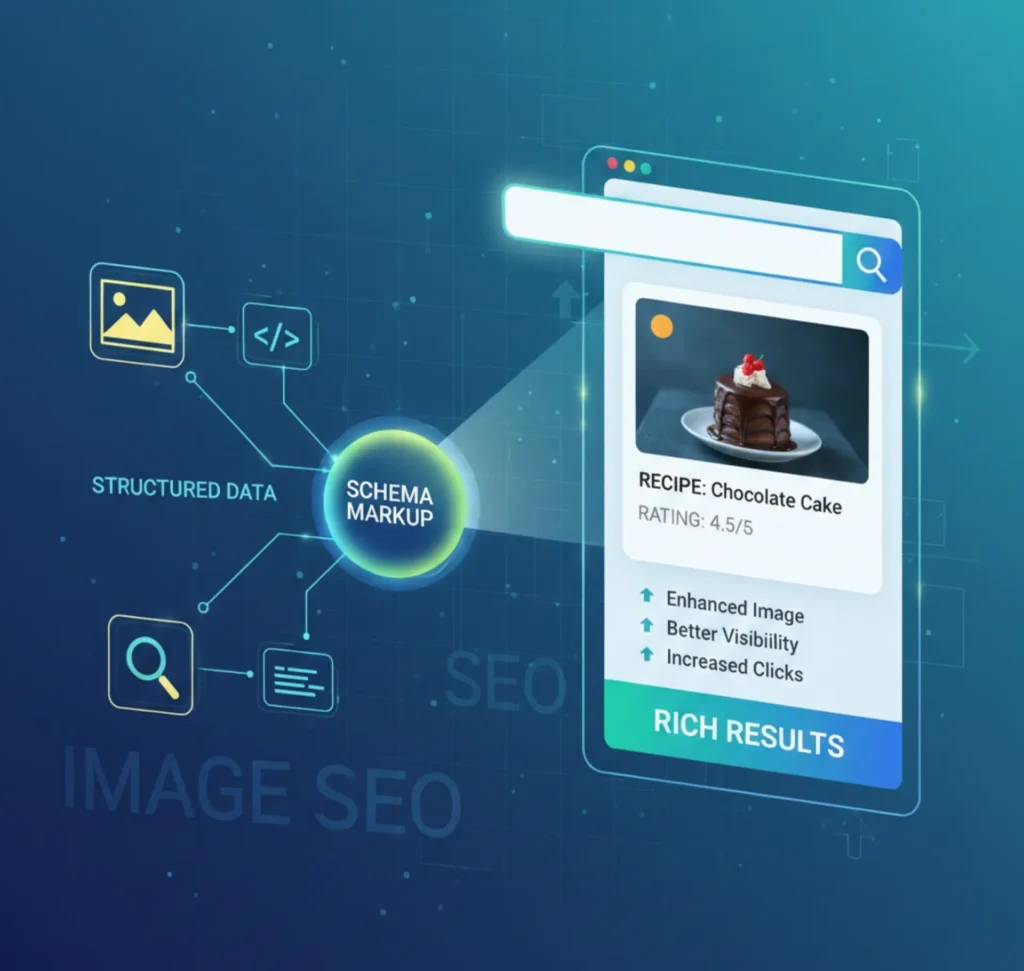
Structured data adds extra meaning to images. It helps search engines display rich results. This increases visibility in search. Click-through rates improve. Structured data supports image SEO.
Schema markup provides context. It connects images to content. Rich results attract users. Visibility improves. This enhances commercial value.
Structured data benefits
- Enhanced image appearance
- Better search visibility
- Improved click-through rate
- Clear content association
Optimizing Images for Google Image Search
Google Image Search drives large traffic volumes. Optimized images rank higher. Alt text and file names matter. Page relevance also matters. This helps optimize images for SEO effectively.
High-quality visuals attract clicks. Fast loading improves ranking chances. Relevant surrounding content matters. Image SEO extends reach. It supports organic growth.
Optimization tips
- Use descriptive alt text
- Add image captions
- Optimize page context
- Submit image sitemaps
Image SEO for Ecommerce Websites
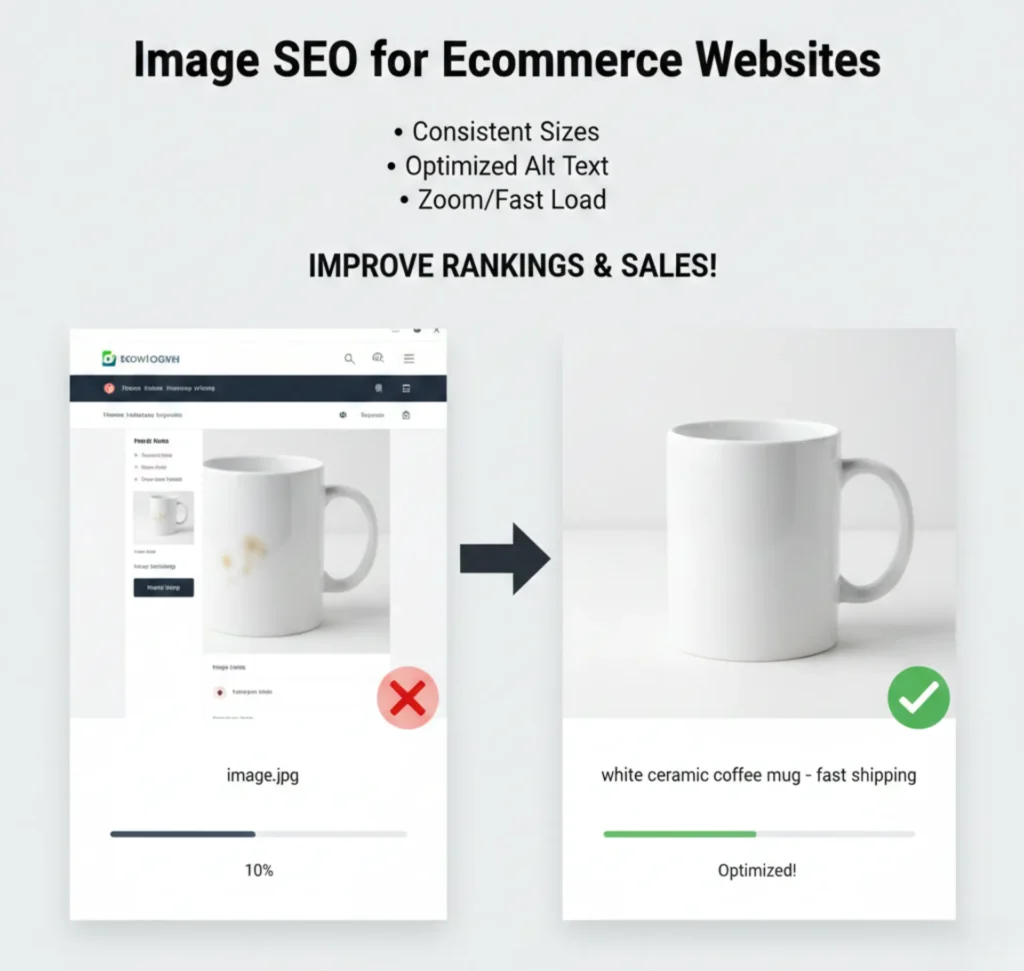
Ecommerce relies heavily on images. Product visuals influence buying decisions. Optimized images improve conversions. They also improve rankings. Image SEO is critical for online stores.
Clear images reduce hesitation. Fast loading improves checkout flow. Search engines favor optimized product pages. Image SEO boosts visibility. Sales benefit directly.
Ecommerce image tips
- Use consistent image sizes
- Optimize product alt text
- Compress product images
- Enable zoom without heavy files
Monitoring Image SEO Performance
Optimization is not a one-time task. Performance must be tracked regularly. Analytics reveal loading issues. Search data shows image visibility. Monitoring helps optimize images for SEO continuously.
Use SEO tools for insights. Track image impressions. Monitor page speed metrics. Fix issues quickly. Continuous improvement delivers results.
What to monitor
- Image loading speed
- Google Image impressions
- Core Web Vitals scores
- Crawl and index status
Conclusion
Image SEO is no longer a small technical task it is a growth strategy. When you optimize images for SEO, your website becomes faster, more accessible, and more visible in search results. Every well-optimized image improves user experience and strengthens search performance. With the right approach, visuals turn into powerful ranking assets. Mugenz accelerates this impact through smart, future-ready innovation.
Ready to Turn Your Images Into Traffic-Driving Assets?
If you want to optimize images for SEO using advanced, intelligent technology, Mugenz is your trusted partner.
We deliver scalable image optimization solutions for healthcare, NGOs, and real estate industries.
Contact Mugenz today and transform your visuals into high-performing digital assets that drive visibility, trust, and growth.
FAQs
Q1: What does it mean to optimize images for SEO?
To optimize images for SEO means making visuals easy for search engines to understand and load. This includes using clear alt text, proper file formats, and smart compression. Optimized images load faster and rank better in image search. They also improve accessibility for users with screen readers. Better usability and better SEO grow together.
Q2: Does image size impact search rankings?
Yes, image size directly affects page speed. Large images cause websites to load more slowly and have higher bounce rates. Search engines favor fast-loading pages. Proper resizing and compression improve performance without hurting quality. This balance benefits both users and rankings.
Q3: Are image sitemaps really necessary?
Image sitemaps help search engines discover images faster. They are especially helpful for image-heavy websites. Ecommerce, real estate, and media platforms benefit the most. Sitemaps improve crawling and indexing accuracy. This leads to stronger long-term visibility.
Q4: How important is alt text for image SEO?
Alt text helps search engines understand image content. Additionally, it makes it easier for people with vision impairments to use it. Well-written alt text increases relevance in image search results. It should be descriptive and natural. Alt text is a core part of image SEO.
What is the best image format for SEO?
WebP is often the best format for SEO because it offers high quality with smaller file sizes. JPEG works well for photos. PNG is useful for logos and transparent images. Choosing the right format improves speed and performance. Faster images help rankings.